
FFmpeg without Terminal setup
An FFmpeg GUI for Mac when you do not want to manage commands
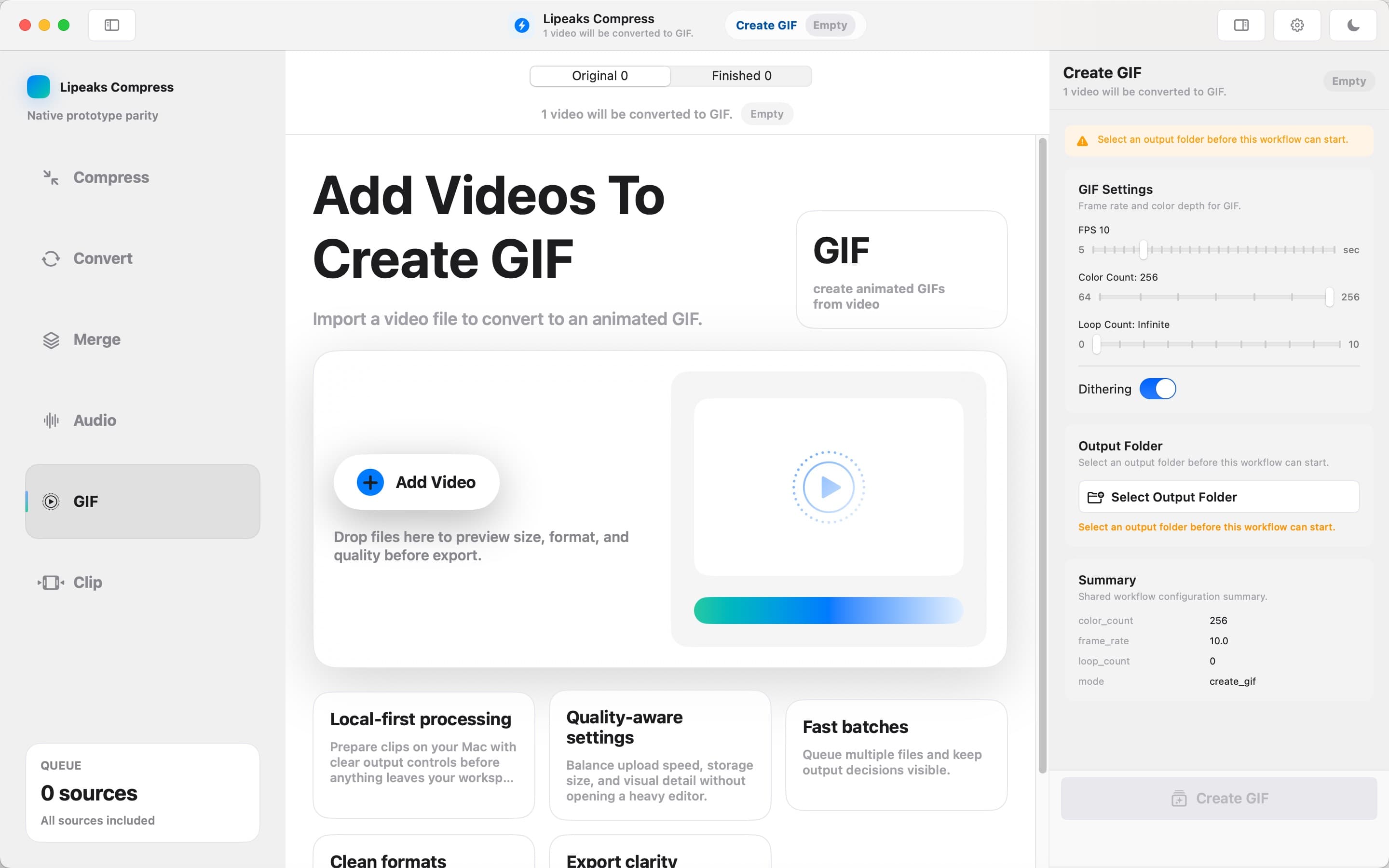
FFmpeg is powerful, but not everyone wants command flags, PATH setup, or shell scripts for everyday video tasks. Video Compressor - GIF MP4 gives you a Mac interface with FFmpeg built in.
FreemacOS 15.0+Local-firstBuilt-in FFmpeg
Quick answer
The short version
- Use FFmpeg-powered video workflows from a Mac interface.
- Compress, convert, merge, export audio, trim, crop, and make GIFs.
- Keep Terminal available through lipeaks-cli when you want automation.
Why it matters
A practical guide to FFmpeg GUI Mac
Built around real Mac workflows: chat attachments, camera clips, screen recordings, batch folders, and local files you do not want to upload.
FFmpeg is powerful, but the interface matters
FFmpeg can do almost anything with media files. The hard part is remembering the right command, choosing sensible flags, and keeping your setup working. A GUI makes common jobs easier without removing the power underneath.
Built-in FFmpeg means fewer setup steps
You do not need to install Homebrew, download a binary, or edit your PATH before compressing a video. The encoder ships with the app, so the first task is the video task, not environment setup.
GUI for daily work, CLI for automation
The app interface is better for quick visual tasks. The included lipeaks-cli is better for repeatable jobs, scripts, and agent-driven workflows. You can use both depending on the day.
How it works
Three steps, no extra setup
Video Compressor - GIF MP4 keeps the workflow local and focused. Add files, choose the job, export results.
- 1
Open the app
No FFmpeg install is required. Launch the app and add the video files you want to process.
- 2
Choose the media task
Compress, convert, make a GIF, merge clips, export audio, trim, or crop from the interface.
- 3
Automate when needed
Use lipeaks-cli for scripted jobs when the same operation needs to run repeatedly.
Related workflows
Keep exploring video tools for Mac
FAQ
Common questions
Is this an FFmpeg GUI for Mac?
Yes. Video Compressor - GIF MP4 provides a Mac interface for FFmpeg-powered tasks such as compression, conversion, GIF creation, merge, audio export, trim, and crop.
Do I need to install FFmpeg separately?
No. FFmpeg is built into the app, so you can start processing videos without Terminal setup.
Can I still use command-line automation?
Yes. The app includes lipeaks-cli for scripted batch jobs and automation workflows.
Ready to work with video locally on your Mac?
Download Video Compressor - GIF MP4 for free. Compress, convert, batch process, and automate without uploading your files.
Download for Mac