
Batch video compression
Batch compress videos on Mac without babysitting every file
When one clip is not the problem, use a queue. Compress multiple MP4, MOV, and WebM files, watch a folder for new drops, and export results locally while you keep working.
FreemacOS 15.0+Local-firstBuilt-in FFmpeg
Quick answer
The short version
- Queue multiple videos instead of processing one file at a time.
- Use folder watching for repeated workflows.
- Drive batch jobs from the app or with lipeaks-cli.
Why it matters
A practical guide to batch video compressor Mac
Built around real Mac workflows: chat attachments, camera clips, screen recordings, batch folders, and local files you do not want to upload.
Batch work is where video compression gets painful
One large recording is easy to handle manually. A folder of recordings, lectures, demos, or social clips is different. Repeating the same settings file by file wastes time and increases mistakes.
Folder watching turns compression into a drop zone
Point the app at a source folder, choose the output folder, and decide what should happen to new videos. When a new file lands in the watched folder, the app processes it into the output folder.
lipeaks-cli is there when you want scripts
Some workflows belong in a terminal or automation agent. The built-in CLI lets you script compression, conversion, and GIF jobs without building your own wrapper around FFmpeg.
How it works
Three steps, no extra setup
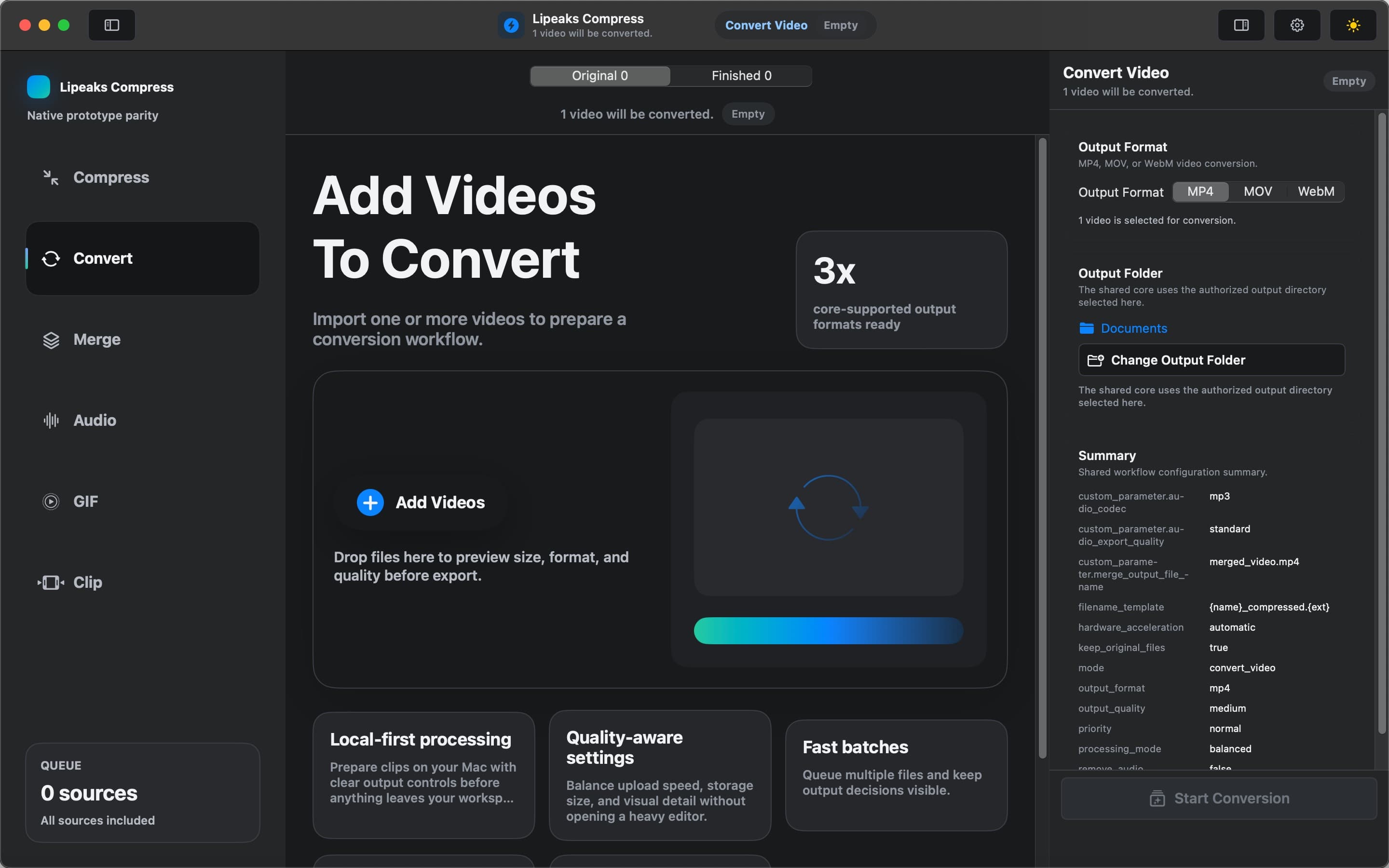
Video Compressor - GIF MP4 keeps the workflow local and focused. Add files, choose the job, export results.
- 1
Choose a source folder
Select the folder where new MP4, MOV, or WebM videos will arrive.
- 2
Set the batch action
Choose whether the app should compress, convert to MP4, or create GIFs for files in the queue.
- 3
Let the queue run
The app writes outputs to your chosen folder, so you can process many videos without repeating the same clicks.
Related workflows
Keep exploring video tools for Mac
FAQ
Common questions
Can I batch compress videos on Mac?
Yes. Video Compressor - GIF MP4 supports batch workflows for MP4, MOV, and WebM files, including folder watching for repeated jobs.
What is folder watching?
Folder watching means the app monitors a source folder and automatically processes new videos that appear there.
Can I automate compression from Terminal?
Yes. The app includes lipeaks-cli for command-line compression, conversion, GIF creation, and scripted batch jobs.
Ready to work with video locally on your Mac?
Download Video Compressor - GIF MP4 for free. Compress, convert, batch process, and automate without uploading your files.
Download for Mac